Linux users, not fake tenants
Every hosting account is a system user with its own home, PHP-FPM pool, and file root.
 Siroc
Siroc is an open-source Linux control panel. Each account is a real Linux user. Nginx sits in front. Sites can be PHP, Node.js, Python, Go, Rust, or Docker.
curl -fsSL https://siroc.dev/install.sh | sudo bash
Dashboard on port 8443 after install. Live load, Linux accounts, and the stack you installed.
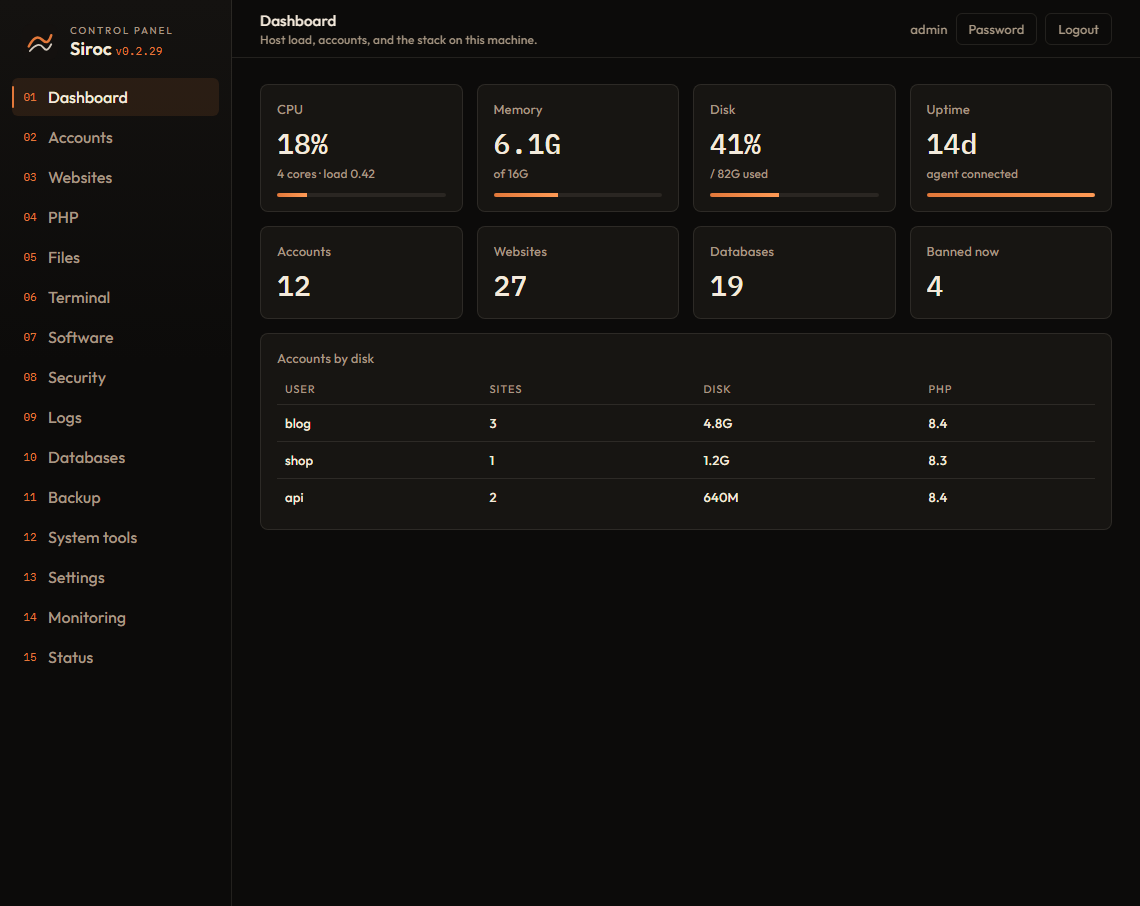
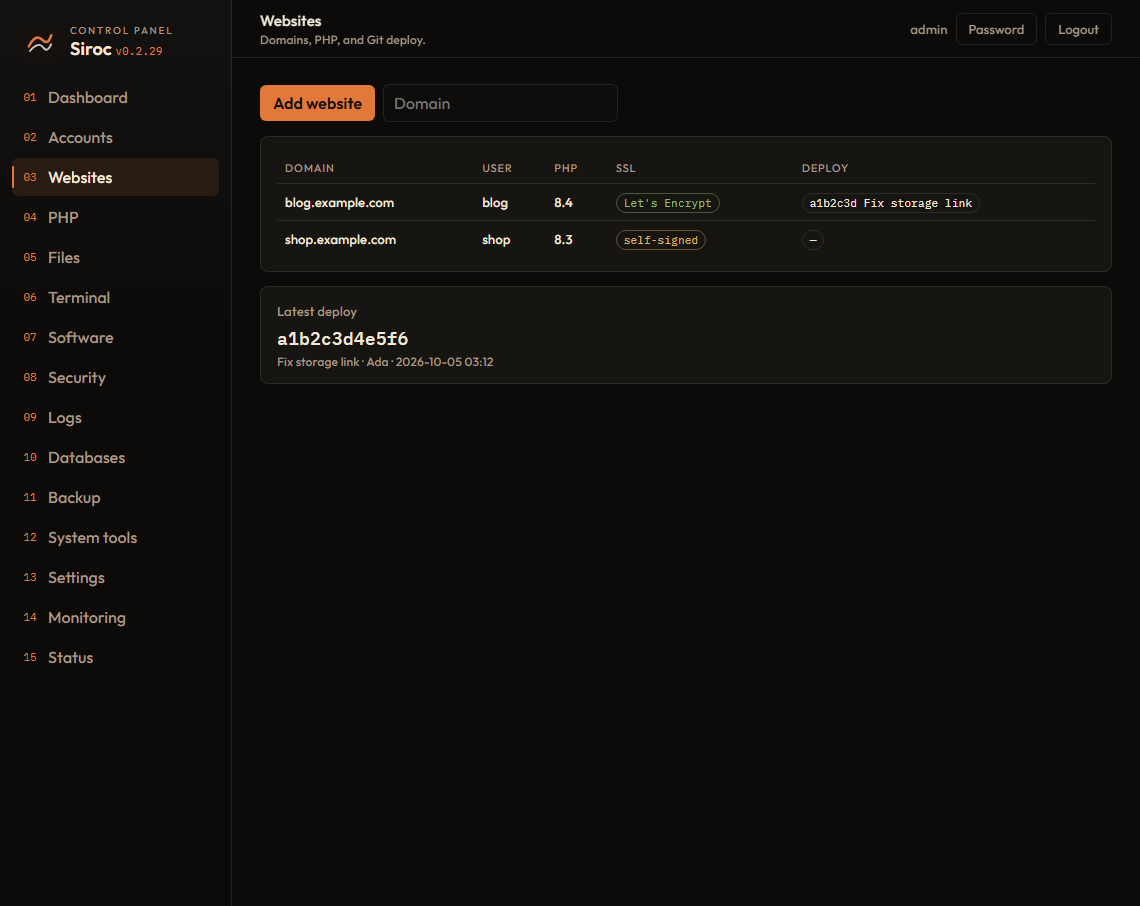
Every hosting account is a system user with its own home, PHP-FPM pool, and file root.
Run Node.js, Python, Go, Rust, or Docker with systemd, then proxy through Nginx.
The installer prints a one-time setup URL. No token, no admin form.
Check a channel, pull a tarball from R2 or a URL, replace binaries, restart.
Files, databases, SSL, backups, firewall, scanners, and a web terminal.
Package it, install it, or test the whole stack in Docker with systemd.
The panel listens on port 8443. Open the token URL printed by the installer.
Use the link saved at /var/lib/siroc/setup.url if you lose the console output.
Nginx, Apache, PHP, then MySQL or MariaDB from Software.
Create a Linux hosting account, then add a domain under Websites.